Learn how to install Unifi network step-by-step for homes and businesses. Follow our guide for seamless setup, optimisation, and secure connectivity.
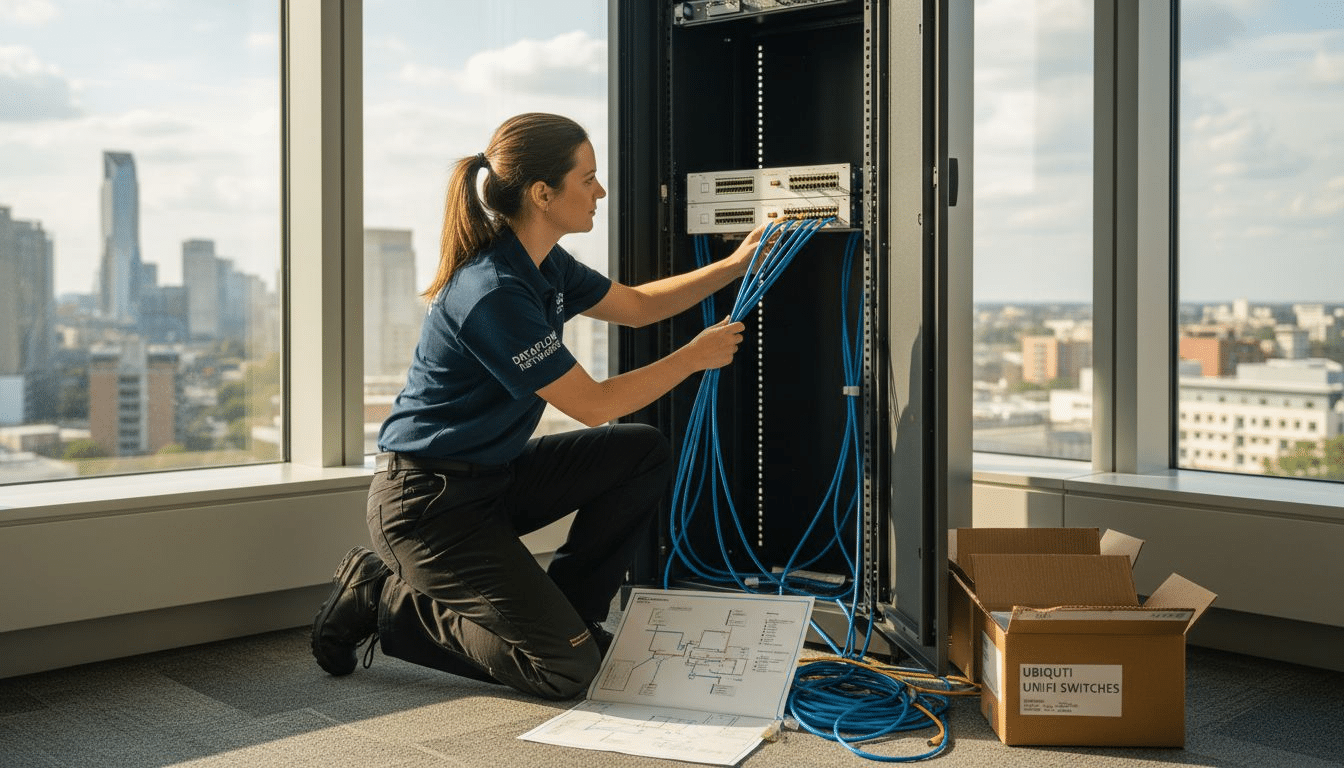
Keeping business operations agile in Stockholm’s affluent areas often depends on a resilient and scalable network. When your office environment relies on dependable connectivity and seamless device management, even minor technical missteps can lead to disruption. This guide provides clear steps for assessing, preparing, and optimising your Ubiquiti Unifi network, so you can achieve reliable whole-business coverage without needless downtime or guesswork.
| Key Insight | Explanation |
|---|---|
| 1. Conduct a thorough network assessment | Evaluate hardware, bandwidth, and layout to identify connectivity needs and potential issues before deployment. |
| 2. Prepare all Unifi equipment meticulously | Check for damage, maintain an inventory, and ensure all components match your plan for efficiency during installation. |
| 3. Strategically deploy network components | Position gateways and access points to optimise coverage and minimise interference, ensuring reliable performance across the network. |
| 4. Perform comprehensive performance testing | Regularly test network speed, latency, and coverage to identify and rectify potential vulnerabilities and ensure optimal operation. |
| 5. Maintain detailed documentation | Keep records of assessments, configurations, and device placements to facilitate easier future troubleshooting and upgrades. |
Svep i sidled för att se hela tabellen
Successfully installing a Unifi network starts with a comprehensive assessment of your current infrastructure and specific connectivity needs. Understanding your network’s unique landscape helps you design a robust, scalable solution tailored precisely to your environment.
Begin by conducting a thorough infrastructure evaluation that encompasses several critical dimensions. Document your existing network components, including:
Your assessment should include detailed measurements of network performance, signal strength, and potential interference zones. Mapping your network topology helps identify potential bottlenecks and areas requiring enhanced connectivity. Consider using professional network scanning tools that can provide granular insights into your current infrastructure.
A precise network assessment is the foundation of a reliable Unifi deployment.
Carefully document your findings, noting specific performance metrics like current download/upload speeds, latency, and device connection stability. This documentation will serve as a critical reference point throughout your network installation process.
Here is a summary of main network assessment metrics and their impact:
| Metric | Purpose | Business Impact |
|---|---|---|
| Signal strength | Evaluates wireless coverage quality | Ensures reliable wifi for all areas |
| Latency | Measures network responsiveness | Fast application and cloud services |
| Bandwidth | Assesses total data capacity | Sufficient speed for daily operations |
| Device stability | Reviews connection reliability | Reduces disruptions and outages |
| Interference zones | Identifies problematic signal regions | Helps prevent network dead spots |
Svep i sidled för att se hela tabellen
Pro tip: Invest time in comprehensive documentation, as a detailed network assessment can save hours of troubleshooting and reconfiguration later.
Preparing your Unifi network infrastructure requires meticulous planning and systematic equipment readiness. This crucial stage ensures a smooth installation process by organising all necessary components and establishing a robust cabling foundation.
Start by gathering all required Unifi equipment, which typically includes:
Carefully inspect each piece of networking hardware for potential shipping damage and verify that all components match your network design specifications. Create a detailed inventory checklist to track each device’s serial number, model, and current condition. This documentation will prove invaluable during installation and future maintenance.
Professional preparation prevents poor network performance.
For structured cabling, select high-quality Cat6A or Cat7 ethernet cables that support high-speed data transmission. Measure cable lengths precisely, allowing slight extra length for flexible routing and potential future reconfigurations. Plan your cable paths strategically to minimise interference and maintain optimal signal quality.
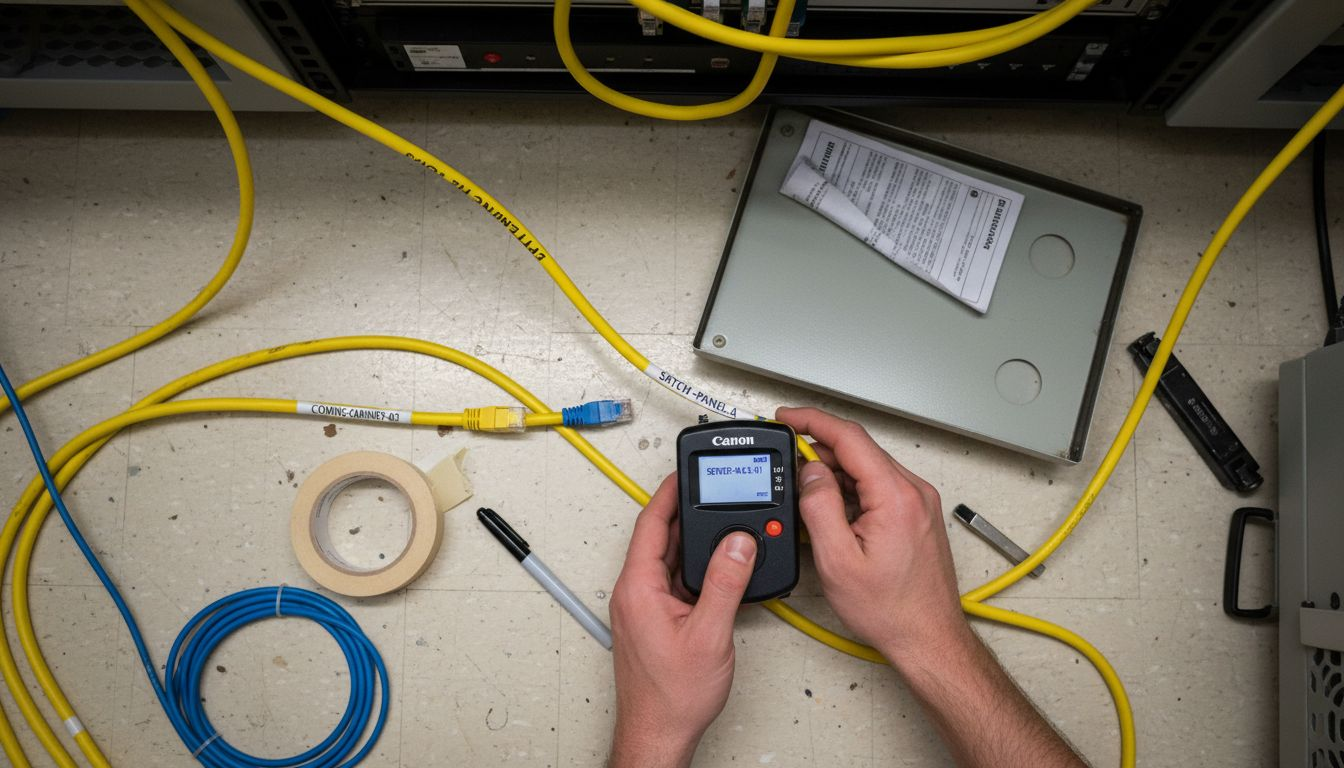
Pro tip: Label every cable and network device immediately after unboxing to prevent configuration confusion during installation.
Configuring the Unifi Controller is a critical step in establishing a robust and manageable network infrastructure. This centralised management platform allows you to monitor, control, and optimise your entire network ecosystem from a single interface.
Begin by installing the Unifi Network application on your preferred operating system. The software supports multiple platforms, including Windows, macOS, and Linux. Follow these key installation steps:
Network controller configuration involves several crucial settings that will define your network’s performance and security. During the initial setup, you’ll establish your primary network parameters, including:
Precise controller configuration ensures seamless device management and network performance.
After completing the basic setup, adopt your Unifi devices by connecting them to the controller. This process synchronises your hardware with the management platform, enabling comprehensive monitoring and control. Ensure your devices are on the same network and follow the specific adoption procedures for each component.
Pro tip: Always maintain an updated backup of your Unifi Controller configuration to simplify recovery and reduce potential network downtime.
Deploying Unifi network hardware represents the critical transformation of your network design into a functional, high-performance infrastructure. This stage involves strategically positioning and configuring your network’s core components to ensure comprehensive coverage and optimal connectivity.
Begin by positioning your network gateway, which serves as the central control point for your entire network infrastructure. Consider these key placement considerations:
Next, deploy your network switches with careful attention to port requirements and network topology. Prioritise switches with Power over Ethernet (PoE) capabilities to simplify device powering and reduce cable complexity. Ensure proper cable management and logical port allocation for different network segments.
Strategic hardware placement determines network reliability and performance.
For wireless access point deployment, conduct a thorough site survey to identify optimal mounting locations. Key strategies include:
During installation, use mounting brackets and ensure proper cable routing to maintain a clean, professional network infrastructure. Verify each device’s power and network connectivity before final configuration.
Pro tip: Create a detailed network diagram documenting each device’s exact location and configuration to simplify future maintenance and troubleshooting.
The final stage of your Unifi network installation involves comprehensive performance testing and security validation. This critical phase ensures your network delivers the reliability, speed, and protection your organisation demands.
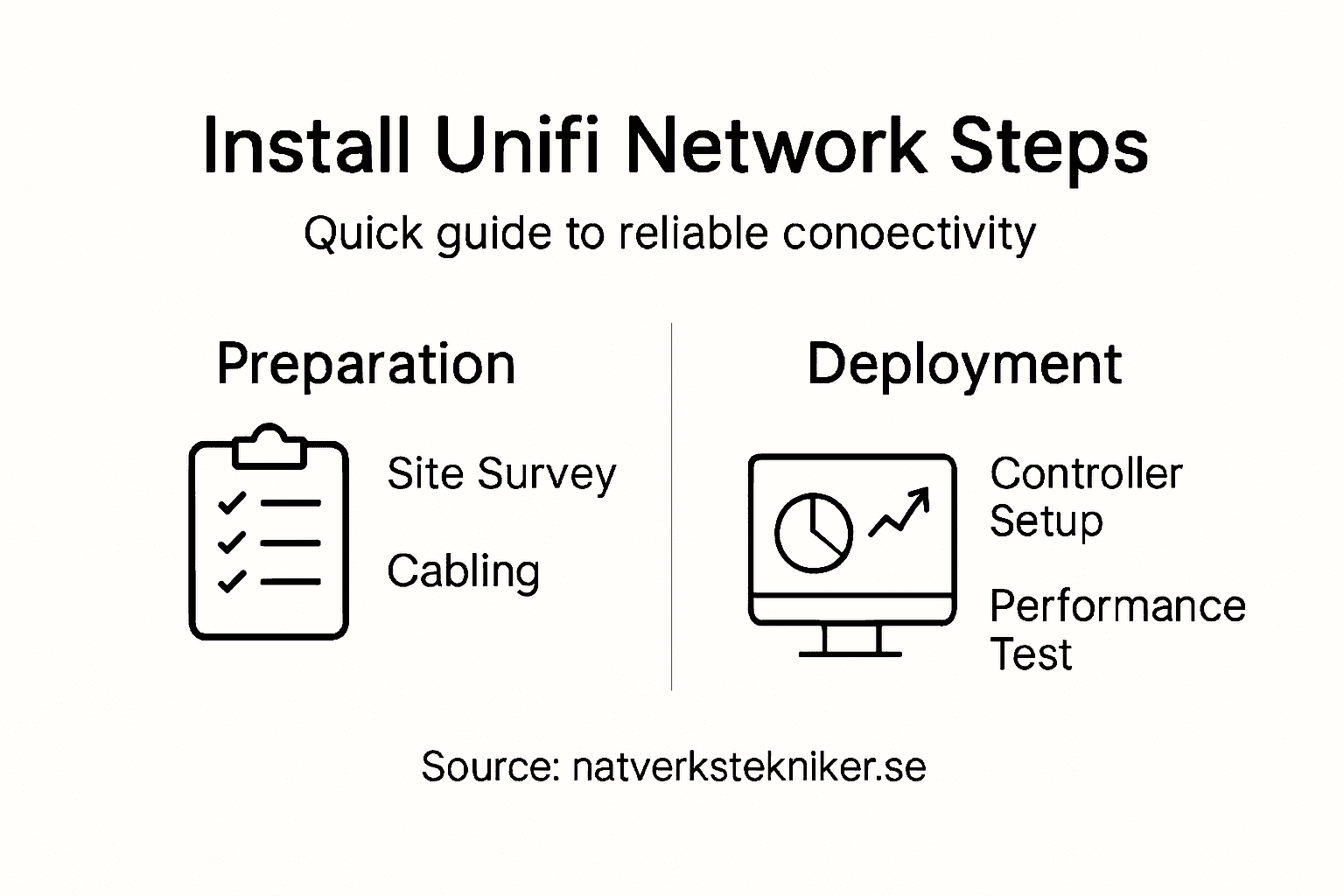
Performance testing requires a systematic approach to measuring network capabilities. Conduct detailed assessments using multiple evaluation methods:
This table highlights common performance tests and their key insights:
| Test Type | What It Measures | Typical Tool Used |
|---|---|---|
| Speedtest | Download and upload rates | Online speed test |
| Latency check | Network response time | Ping utility |
| Throughput analysis | Data transfer efficiency | iperf or similar tool |
| Signal mapping | Wifi coverage uniformity | Wireless scanner app |
| Bandwidth monitoring | Network usage patterns | Unifi dashboard |
Svep i sidled för att se hela tabellen
Security configuration verification involves multiple layers of assessment. Focus on these key security parameters:
Rigorous testing prevents potential vulnerabilities and performance bottlenecks.
Utilise the Unifi Controller’s comprehensive dashboard to monitor real-time network statistics and identify any potential configuration issues. Analyse device connections, review traffic patterns, and ensure all network segments function as designed.
Pro tip: Schedule periodic network performance and security audits to maintain optimal system health and quickly identify potential vulnerabilities.
Installing a Ubiquiti Unifi network demands careful planning and precise execution to achieve reliable and high-performance connectivity. Whether you are a private individual struggling with inconsistent Wi-Fi coverage or a company aiming for secure and scalable infrastructure, the challenges of cabling, device placement, and controller configuration can be complex. At natverkstekniker.se, we specialise in providing complete Ubiquiti Unifi solutions including expert installation of Unifi access points, switches, and gateways as well as professional network cabling with Cat6a and Cat7 standards.

Don’t let network issues slow your productivity or disrupt your digital lifestyle. Take advantage of our certified technicians who ensure your network delivers exceptional speed, security and scalability with meticulous documentation and structured cabling that minimises future downtime. Visit our main landing page natverkstekniker.se to explore all that we offer. Ready for a seamless, worry-free network setup? Click the button below to Boka Tid now or get in touch directly:
Phone: 08 400 117 26
Email: kontakt@natverkstekniker.se
To assess your network requirements, evaluate your current infrastructure, including hardware, ISP details, and bandwidth needs. Document the number of devices that require access and identify any physical layout challenges within your environment.
You will need a Unifi Dream Machine or network gateway, network switches, wireless access points, and high-quality Ethernet cables. Gather all these components and inspect them for any damage to ensure a smooth installation process.
Begin by downloading and installing the Unifi Network application on your computer. Follow the installation wizard to set up your administrator account and configure the essential network settings, such as the network name and security protocols.
Position your network gateway securely, ensuring proper ventilation and accessibility. Strategically deploy your network switches and wireless access points to optimise coverage, considering factors like signal strength and interference sources.
Conduct performance tests including speed tests and latency checks across different network locations. Additionally, review your security configurations, such as firewall settings and wireless encryption, to ensure comprehensive protection against vulnerabilities.
Maintain a detailed record of your network’s components, including device serial numbers and installation configurations. Documenting performance metrics and device placements will greatly assist in future maintenance and troubleshooting efforts.
WiFi coverage is crucial for Unifi networks. Understand coverage basics, common issues, installation tips, and the impact on business and homes.
Läs artikelnProtect Stockholm SMB and property wireless networks against AirSnitch attacks and WPA2 vulnerabilities. Learn WPA3 security, WiFi 7 benefits, and professional Ubiquiti Unifi installation.
Läs artikelnLär dig planera och installera Ubiquiti Unifi wifi i kontor steg för steg. Få optimal täckning, undvik vanliga misstag och bygg ett säkert företagsnätverk 2026.
Läs artikelnGuiderna tar dig långt – men ett professionellt installerat nätverk tar dig hela vägen. Vid större jobb är offerten alltid kostnadsfri.
